
Light Attack
Your fastest basic attacks. Use Light to challenge slow pressure, begin simple confirms, and check movement at close range. Fast does not automatically mean safe, so test recovery.
System manual · Four-button notation
Learn the universal input grammar first, then understand why every fighter’s Flow movement and support selection changes how that grammar feels.
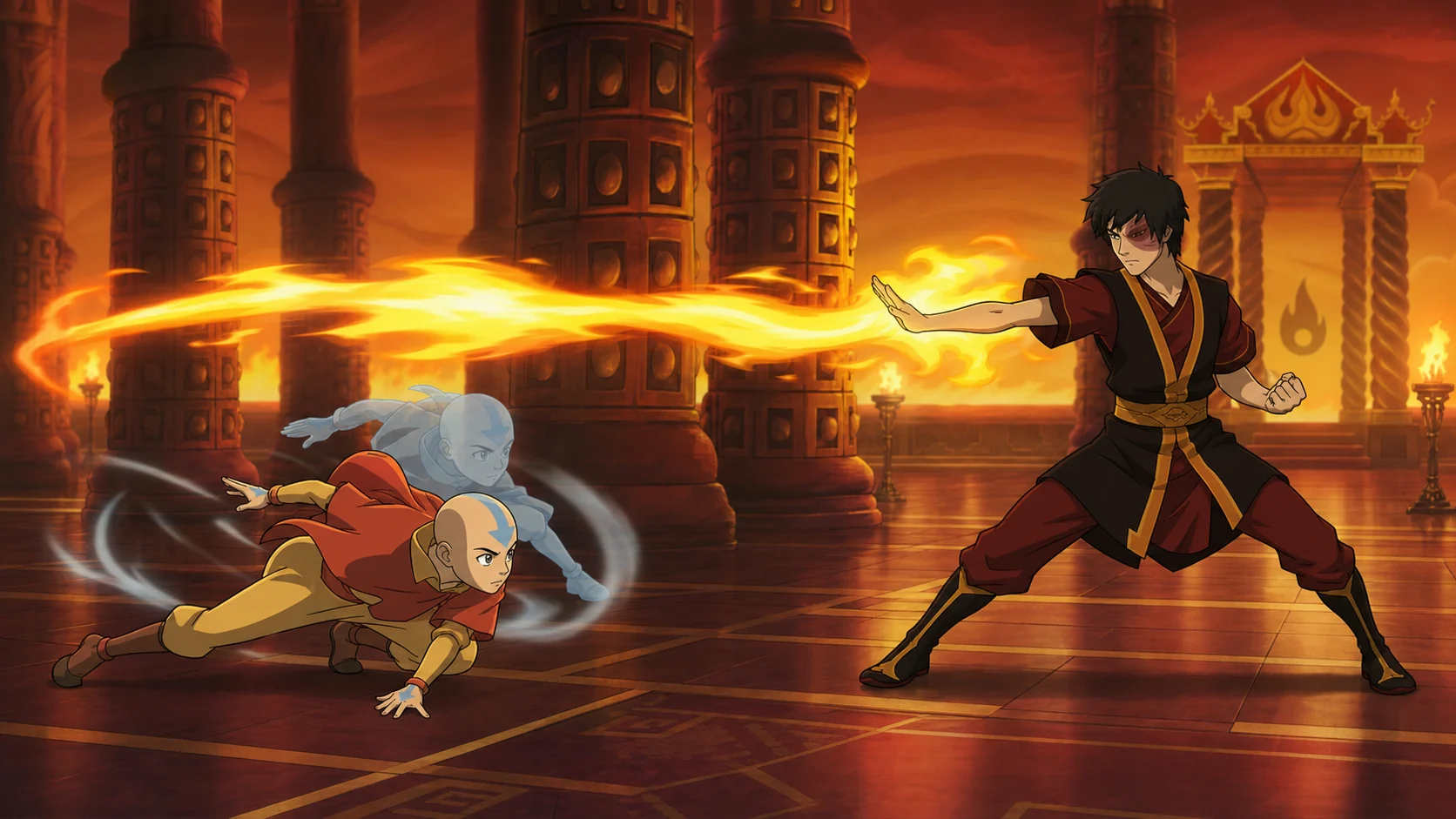
Control philosophy
The Avatar Legends The Fighting controls use four primary actions: Light Attack, Medium Attack, Heavy Attack, and Flow. Each attack button produces a different normal while standing, crouching, or jumping. The small button count makes the layout readable, but it does not remove directional technique inputs, combination commands, spacing, timing, resource decisions, or character-specific movement.
Community notation commonly labels the three attacks A, B, and C and the Flow button F. Exact face-button defaults differ by platform and may be remapped, so a guide that says “press PlayStation Square” is less portable than one that says “Light.” Directions are written relative to the side your fighter faces: forward means toward the opponent and back means away. Numpad notation may appear in advanced discussion, where 6 is forward, 4 is back, 2 is down, and 8 is up.
Before studying a combo, open the shipped command list for your character. Launch-week graphics and beta layouts can be outdated. The safest way to learn Avatar Legends The Fighting controls is to map the universal action name to your chosen device, then read commands by function rather than memorizing somebody else’s hardware label.
Universal buttons
Your fastest basic attacks. Use Light to challenge slow pressure, begin simple confirms, and check movement at close range. Fast does not automatically mean safe, so test recovery.
A bridge between speed, reach, and reward. Medium normals often stabilize confirms and control the range where neither player can attack carelessly.
Slower, more committal attacks with greater reach, impact, or combo value. Heavy is a read and punish tool, not a substitute for choosing the right range.
The signature movement input. Combine Flow with direction to trigger fighter-specific dashes, evasions, low-profile movement, aerial motion, or technique links.
Throws open opponents who hold guard indefinitely. A successful throw threat also makes strikes more likely to land because defenders must choose rather than wait.
The universal combination uses attack buttons, but resource and character conditions still apply. Confirm the exact command and cost in your fighter’s list.
System reel · Controls overview
The controls overview shows the four-button grammar in motion: three attack strengths plus character-specific Flow. Match the universal labels to your device, then use the training prompts below to test guard, movement, recovery, and confirmation timing.
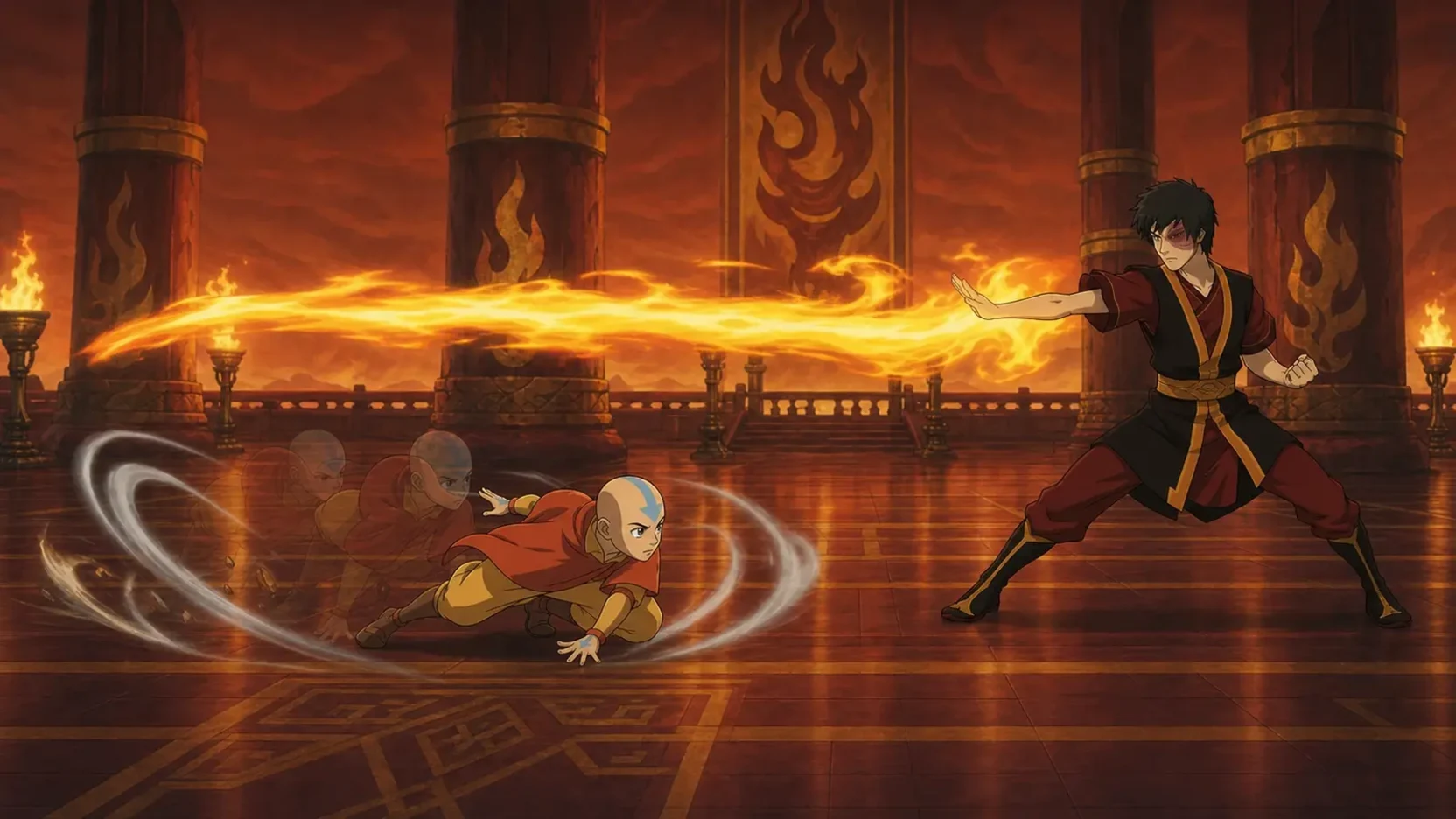
Bind Light, Medium, Heavy, and Flow comfortably instead of copying another platform's face-button labels.
Use a projectile, jump, or unsafe special as the fixed situation and practice one correct answer at a time.
Character-specific directions, resources, and support changes must be checked in the current build.
Button labels use universal notation. Confirm the current command list and support effects in your own game build.
Signature system
A direction plus Flow produces a character-specific Flow Move. Developer examples include dodging an incoming attack, slipping beneath a projectile, launching upward, and chaining into a unique ability. The rule is universal, but the result is not. That is why copying another fighter’s escape timing can fail even when the input looks identical.
Use Flow to answer a visible problem. If a projectile dominates the ground, test whether your Flow option passes beneath or around it. If an opponent overcommits at midrange, use movement to create a whiff and punish the recovery. If pressure contains a real gap, Flow may reposition—but guessing into a tight string can be counter-hit.
The first Flow drill for Avatar Legends The Fighting controls is not a combo. Record the training dummy using one projectile, one advancing normal, and one jump. Practice choosing a different answer to each. The goal is to recognize context before pressing F.
Defense
Hold back to stand guard and down-back to crouch guard. Standing guard handles mids and overheads but loses to low attacks. Crouch guard handles mids and lows but loses to overheads and jumping attacks. This creates a readable defensive baseline: crouch block by default at close range, then stand when you recognize an overhead or aerial attack. Matchup knowledge changes the rhythm, but not the logic.
Throws punish a defender who only blocks. Their threat gives offense a strike-or-throw decision, while movement and reversals add more layers. Do not mash every time you feel trapped. First learn where the opponent’s sequence genuinely ends. Training Mode can record the sequence, display attack data, and reveal whether your response was late, the gap never existed, or the move left the attacker advantaged.
A Guard Reversal is a defensive resource, not a free reset. The exact input and cost should be confirmed in the in-game How to Play section because community diagrams sometimes compress conditions. When a reversal is blocked, expect meaningful risk. Use it when the opponent has shown a committed pressure pattern, not simply because you dislike blocking.
Resources
Official store descriptions say skilled play builds Energy Points. Energy can be spent on enhanced special moves and cinematic Super Arts. The strategic question is not “can I spend?” but “what does this spend secure?” Good answers include confirmed damage, a favorable knockdown, escape from a losing position, or a round-ending sequence.
New players often spend as soon as the gauge becomes available. A better plan is to reserve a simple, repeatable use. For example, confirm an enhanced special only after a medium attack lands, or save a Super Art for a punish you can recognize. Once that habit is reliable, add resource-dependent pressure and support-specific routes.
Some characters have additional states or gauges. Keep universal Energy separate from character-specific mechanics in your notes. If an icon appears only for one fighter, do not assume it follows the same rules as the shared meter.
The Avatar Legends The Fighting controls become easier when each resource has a written purpose. Name the situation, record the input, measure the result, and decide whether the benefit justifies the cost. That is real meter management.
Support system
Every launch fighter has three support choices. The game remains 1v1; support selection modifies the main character’s abilities or tactical properties rather than creating a traditional tag team. Official examples say Toph can select an Earth Kingdom wrestler who improves her stone-pillar special, while Aang can choose Appa, Momo, or Gyatso and Korra can choose Naga, Raava, or Tonraq.
When learning Avatar Legends The Fighting controls, pick one support and keep it for several sessions. Frequent switching changes the experiment. You cannot tell whether your anti-air, confirm, or movement plan is improving if the move properties also change every match. Once the base plan is stable, compare supports using the same recorded training situations.
Write down exact differences you can reproduce: extra range, changed trajectory, altered cancel window, new combo route, or resource effect. Avoid vague labels such as “best support.” A support can be optimal for maximum damage yet unsuitable for a player who needs a simpler neutral tool.
20-minute lab
Press every standing, crouching, and jumping normal. Confirm your device labels, throw, Flow directions, special commands, and Super Art.
Record one low, one overhead, and one jump-in. Play them randomly and block by visual recognition rather than rhythm.
Record a jump and an unsafe special. Answer each with one reliable button and a short conversion.
Record a projectile and a long grounded poke. Practice moving through, around, or outside them, then punish only when recovery permits.
Set resources to normal, land your chosen starter, and spend only after confirming the hit. Reset after every failed recognition.
Controller advice
No controller type creates fundamentals by itself. A standard gamepad is fully suitable for a four-button fighter. Arcade stick may feel natural for circular motions and large buttons, while leverless devices can make cardinal directions precise. Keyboard can function like a leverless layout, but launch-week PC discussion reports awkward default direction rebinding for some users. Treat configuration-file workarounds as unofficial and back up any file before changing it.
Choose the device on which you can hold down-back, tap forward deliberately, and press two attack buttons together without accidental inputs. Then keep the layout stable. Changing hardware during every practice session makes timing errors harder to diagnose.
Platform support can also differ. Community reports mention some launch controller compatibility problems, particularly with certain fight sticks. Those reports are useful warnings, not universal facts. Check current patch notes and your platform’s supported-device guidance before purchasing specialty hardware for the game.
Input questions
Three: Light, Medium, and Heavy. Flow is the fourth primary button and controls character-specific movement or related techniques.
Flow combines with direction to produce character-specific movement. Depending on the fighter, it can dash, evade, pass under a projectile, launch into the air, or connect into a special option.
The game’s core four-button layout is already designed for readability. Use the shipped defaults long enough to understand the universal action names, then remap for comfort if your platform supports it.
The best controller is the one you can use accurately and comfortably. Gamepad, stick, leverless, and keyboard are all viable in principle; device support and rebinding behavior should be checked on your platform.
Source desk
Sources were reviewed on July 24, 2026. Live game behavior and storefront terms can change after publication.